Description
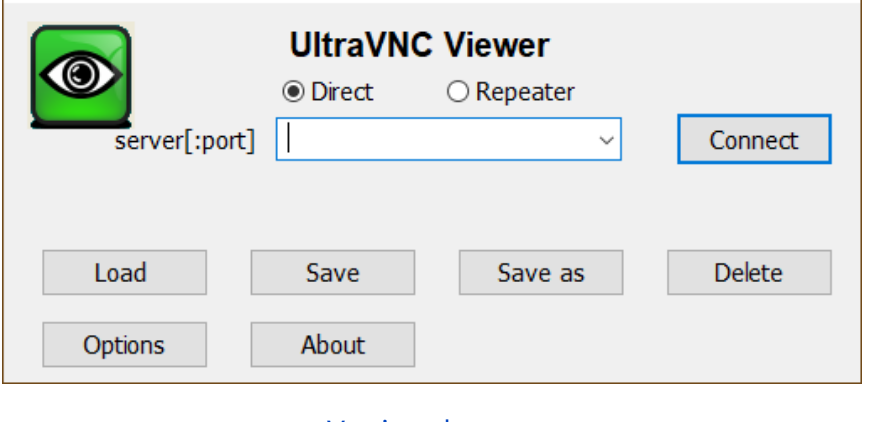
UltraVNC is free and open-source remote control software for Windows built on the VNC protocol. It comes in two halves: a Server that runs on the machine being controlled and a Viewer that runs on yours. Once connected, the remote desktop appears in your window and your mouse and keyboard go straight through, as if you were sitting in front of that machine.
The usual jobs are fixing a relative’s PC from a distance, managing a box that has no monitor attached, or reaching your office desktop while travelling. Nothing is relayed through a vendor service — the two machines talk directly — which makes it a comfortable fit on a LAN or in a self-hosted setup.
Remote desktop control: Full screen streaming with keyboard and mouse passthrough; you can watch without touching anything or take the machine over completely, with multi-monitor and scaling support.
File transfer: Move files between the two machines during a session, so there is no need for a separate share or a USB stick.
Text chat: A built-in chat window lets you talk to the person at the other end while you work, without opening a second app.
Mirror driver: An optional video mirror driver reads changed screen regions straight from the display driver, which costs far less CPU than repeated screen grabs and feels more responsive.
Encryption plugins: DSM plugins add encryption to the connection. Plain VNC is unencrypted, so this layer matters whenever the link crosses the public internet.
Repeater and single-click mode: The Repeater component connects two peers that are both behind NAT, and a Single Click build lets the person asking for help simply double-click a small executable instead of installing anything.
Windows account authentication: MS Logon lets you gate access with domain or local Windows accounts instead of maintaining a separate set of VNC passwords.
The usual jobs are fixing a relative’s PC from a distance, managing a box that has no monitor attached, or reaching your office desktop while travelling. Nothing is relayed through a vendor service — the two machines talk directly — which makes it a comfortable fit on a LAN or in a self-hosted setup.
Features
Remote desktop control: Full screen streaming with keyboard and mouse passthrough; you can watch without touching anything or take the machine over completely, with multi-monitor and scaling support.
File transfer: Move files between the two machines during a session, so there is no need for a separate share or a USB stick.
Text chat: A built-in chat window lets you talk to the person at the other end while you work, without opening a second app.
Mirror driver: An optional video mirror driver reads changed screen regions straight from the display driver, which costs far less CPU than repeated screen grabs and feels more responsive.
Encryption plugins: DSM plugins add encryption to the connection. Plain VNC is unencrypted, so this layer matters whenever the link crosses the public internet.
Repeater and single-click mode: The Repeater component connects two peers that are both behind NAT, and a Single Click build lets the person asking for help simply double-click a small executable instead of installing anything.
Windows account authentication: MS Logon lets you gate access with domain or local Windows accounts instead of maintaining a separate set of VNC passwords.