Description
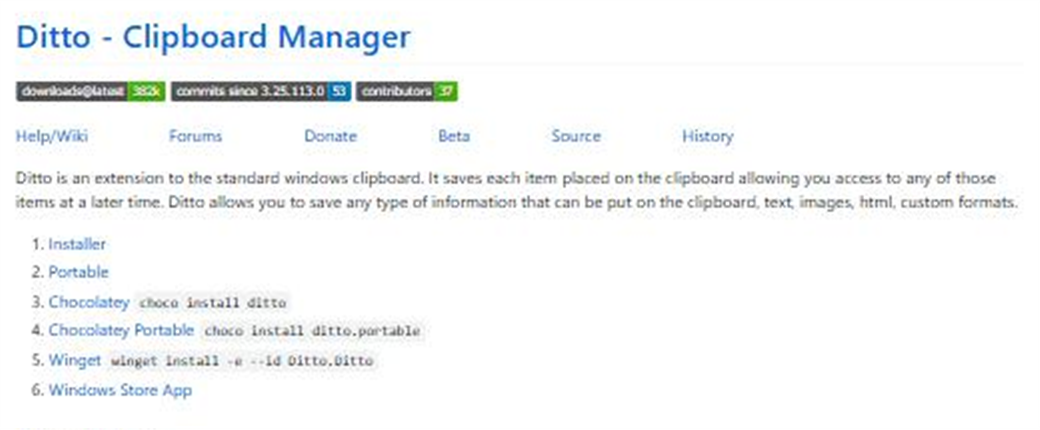
You copy one passage, then copy the next, and the first is gone — recovering it means going back to the source and copying again. Ditto gives the clipboard a history: everything you copy is kept, and one hotkey brings up the list to paste whichever entry you want.
Open-source and free, on Windows, small and unobtrusive in the tray.
Full clipboard history: text, images, HTML and custom formats are all stored, so earlier copies stay retrievable instead of being overwritten.
Hotkey access: a hotkey opens the history list, typing filters it by keyword, and double-click or Enter pastes into the active window.
Pin frequent entries: mark signatures, addresses and stock phrases as favourites pinned to the top, using it as a simple snippet library.
Local first: no login, no cloud and no telemetry — clipboard contents stay on your own machine.
Optional LAN sync: when you want it, clipboards sync between your own computers without passing through a third-party server.
Open-source and free, on Windows, small and unobtrusive in the tray.
Features
Full clipboard history: text, images, HTML and custom formats are all stored, so earlier copies stay retrievable instead of being overwritten.
Hotkey access: a hotkey opens the history list, typing filters it by keyword, and double-click or Enter pastes into the active window.
Pin frequent entries: mark signatures, addresses and stock phrases as favourites pinned to the top, using it as a simple snippet library.
Local first: no login, no cloud and no telemetry — clipboard contents stay on your own machine.
Optional LAN sync: when you want it, clipboards sync between your own computers without passing through a third-party server.