Description
A .rar arrives that the system cannot open, and password-protecting a folder to send out means a free tool that keeps nagging you to buy the paid edition. PeaZip handles both — it extracts over 200 archive formats and supports encrypted, split archives, free and ad-free throughout.
Open-source and free, on Windows, macOS and Linux, with a portable build.
Very broad format support: it opens 7z, zip, rar, tar, gz, iso and more than 200 formats, and writes over a dozen, so you rarely meet an archive it cannot handle.
Encryption and splitting: AES-256 encrypted archives with encrypted filenames, and splitting by size — suitable for sending large files or sensitive material.
Security tools: built-in checksum verification, secure deletion and a password manager cover the security chores around archiving.
Batch processing: extract, convert or repack many archives at once, which tidies a downloads folder quickly.
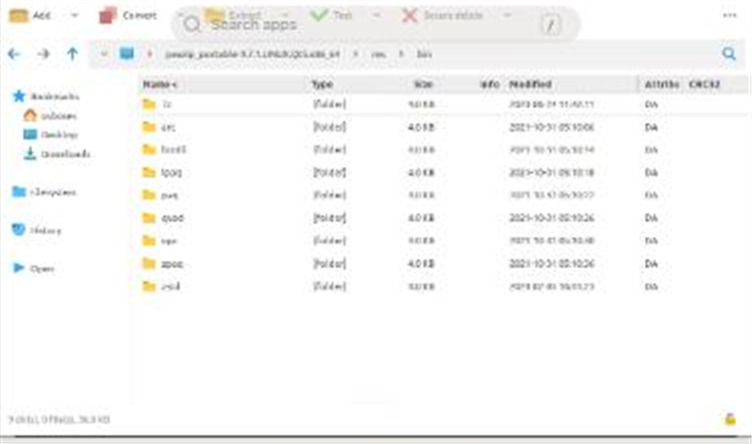
Portable build: a portable edition travels on a USB stick, so borrowing someone's computer needs no installation.
Open-source and free, on Windows, macOS and Linux, with a portable build.
Features
Very broad format support: it opens 7z, zip, rar, tar, gz, iso and more than 200 formats, and writes over a dozen, so you rarely meet an archive it cannot handle.
Encryption and splitting: AES-256 encrypted archives with encrypted filenames, and splitting by size — suitable for sending large files or sensitive material.
Security tools: built-in checksum verification, secure deletion and a password manager cover the security chores around archiving.
Batch processing: extract, convert or repack many archives at once, which tidies a downloads folder quickly.
Portable build: a portable edition travels on a USB stick, so borrowing someone's computer needs no installation.