Description
Notepad freezes on a log file of a few dozen megabytes and mishandles line endings, yet spinning up a full IDE just to tweak a config file or read some code is overkill. Notepad++ sits between the two — instant to open, comfortable with large files, syntax highlighting for dozens of languages — and is a standard first install on Windows.
Open-source and free, Windows only, small and fast, and still updated after two decades.
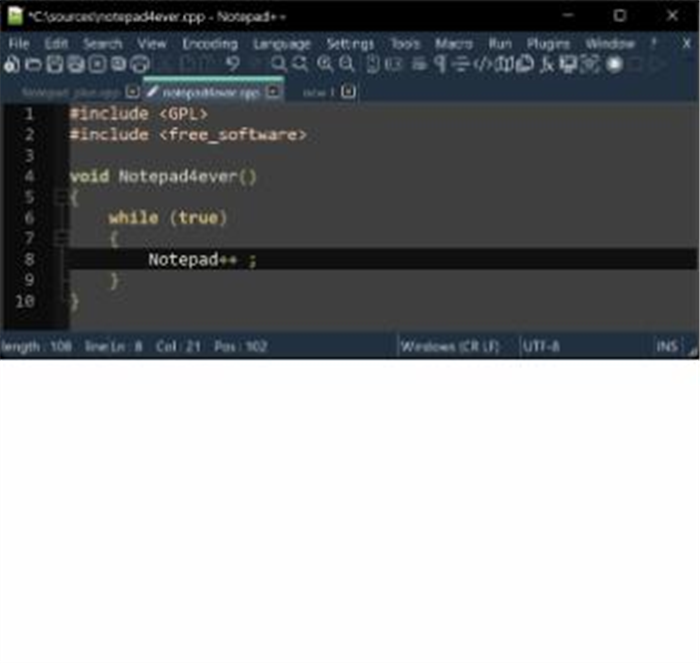
Syntax highlighting and folding: colouring and code folding for dozens of programming and markup languages keep config edits, log reading and scripting legible.
Tabbed editing: manage several files in tabs, or split into two panes to edit side by side rather than switching windows.
Powerful find and replace: regular expressions and batch find-and-replace across files make tidying a set of text files fast.
Encoding and line-ending conversion: switch between UTF-8, GBK and Unicode and convert Windows/Unix/Mac line endings in one step — genuinely useful on garbled files.
Plugin ecosystem: a plugin marketplace offers comparison, formatting, FTP and hex-view tools to extend it to taste.
Open-source and free, Windows only, small and fast, and still updated after two decades.
Features
Syntax highlighting and folding: colouring and code folding for dozens of programming and markup languages keep config edits, log reading and scripting legible.
Tabbed editing: manage several files in tabs, or split into two panes to edit side by side rather than switching windows.
Powerful find and replace: regular expressions and batch find-and-replace across files make tidying a set of text files fast.
Encoding and line-ending conversion: switch between UTF-8, GBK and Unicode and convert Windows/Unix/Mac line endings in one step — genuinely useful on garbled files.
Plugin ecosystem: a plugin marketplace offers comparison, formatting, FTP and hex-view tools to extend it to taste.