Description
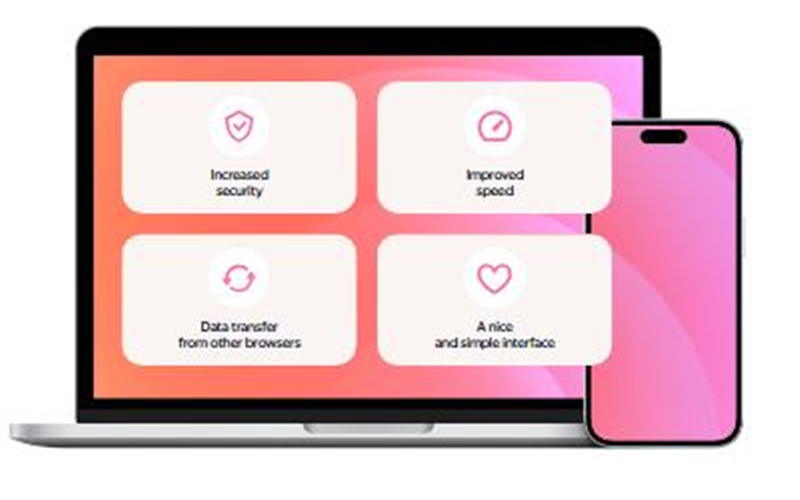
Switching browsers is a hassle: bookmarks, passwords and extensions all have to be redone, and the move alone is enough to put you off. Yandex Browser is built on Chromium and imports your old browser's bookmarks, passwords and history in one step, with Chrome Web Store extensions working directly.
Free, in x64 and x86 builds, with load speed and built-in security as its focus.
One-click migration: import bookmarks, passwords and history from Chrome, Edge and other browsers for a near-seamless switch.
Chrome-extension compatible: on the Chromium engine, extensions from the Chrome Web Store install and run directly.
Built-in security: detection of malicious sites and dangerous downloads, with an extra protected mode for banking and other sensitive pages.
Data-saving turbo: compresses page data to speed loading on weak connections, most noticeable on mobile hotspots or slow networks.
Gestures and reader mode: mouse gestures, page translation and a clutter-free reading mode make long articles easier on the eyes.
Free, in x64 and x86 builds, with load speed and built-in security as its focus.
Features
One-click migration: import bookmarks, passwords and history from Chrome, Edge and other browsers for a near-seamless switch.
Chrome-extension compatible: on the Chromium engine, extensions from the Chrome Web Store install and run directly.
Built-in security: detection of malicious sites and dangerous downloads, with an extra protected mode for banking and other sensitive pages.
Data-saving turbo: compresses page data to speed loading on weak connections, most noticeable on mobile hotspots or slow networks.
Gestures and reader mode: mouse gestures, page translation and a clutter-free reading mode make long articles easier on the eyes.