Description
< #Windows Cleanup #Rogue Software #Context Menu #Startup Manager #Scheduled Tasks #Open Source
RogueCleaner is a small Windows utility with a single job: find the things an application leaves behind after you uninstall it. Install an input method and the right-click menu grows a row; install a media player and the startup list grows an entry; remove a bundled suite and its services, scheduled tasks, browser extensions and file associations stay right where they were. Those six kinds of system leftovers are exactly what it scans.
It suits Windows users whose context menu and boot time have been quietly taken over, and anyone who would rather not install a resident cleanup suite that pushes its own products along the way. Written in C# as a single executable, it installs no service, updates nothing behind your back, and backs everything up before touching it, so any change can be rolled back.
Six kinds of leftovers: scans Explorer context menus and shell extensions, startup registry keys and the startup folder, Windows services, scheduled tasks, Chrome/Edge/Firefox extension policies and native messaging hosts, plus file association remnants for images, video, archives and Office documents.
Recovery center: every cleanup creates a backup batch, so registry keys, moved files, service startup states and scheduled task states can all be restored per batch, and old batches can be pruned once the backup folder grows.
Nothing selected by default: it never cleans on launch, scan results start unchecked, the select-all action skips report-only items, every cleanup asks for confirmation, and anything that fails stays visible in the rescan list.
Least privilege: starts as a standard user, so scanning, reviewing and exporting reports raise no UAC prompt; elevation is requested only for HKLM keys, services and scheduled tasks, and after elevating it restores your page and selections without cleaning automatically.
Evidence-based vendor matching: instead of guessing from keywords in registry text, it checks display name, publisher, file version info, Authenticode signature, MSI metadata and install directory ownership; when evidence is thin an item is marked unknown third party and can only be reported, never bulk-cleaned.
Main programs stay safe: uninstall entries for main applications are excluded by default so a select-all cannot remove working software, and bundled components with an uninstaller hand off to the vendor's own uninstaller for you to confirm.
Single portable executable: a C# WinForms single-file program with no external scripts or rule files, creating just one data folder next to itself on first run, and updates only after you confirm them in a dialog.
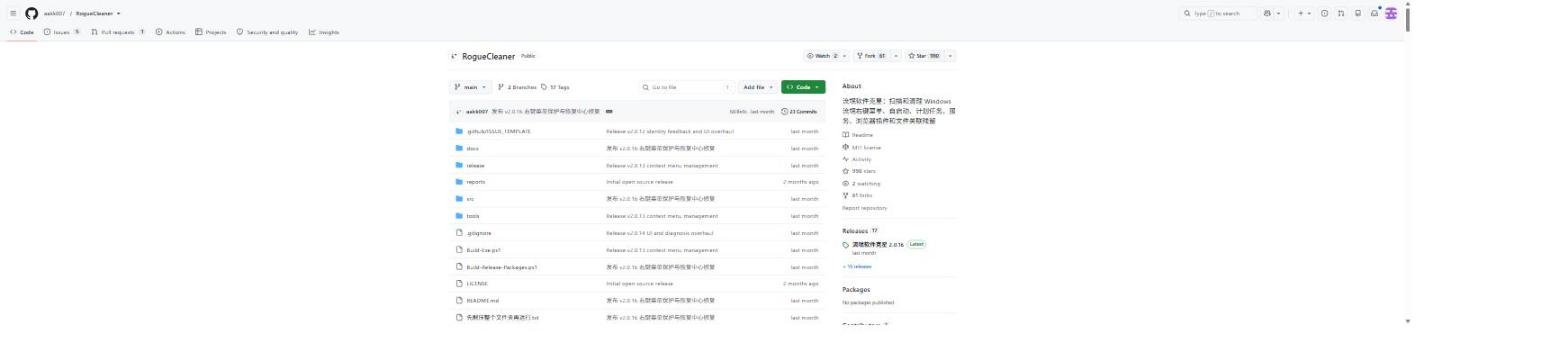
Open source project: the source code is hosted on GitHub, so developers can review the implementation, contribute, or customize it for their own needs.
RogueCleaner is a small Windows utility with a single job: find the things an application leaves behind after you uninstall it. Install an input method and the right-click menu grows a row; install a media player and the startup list grows an entry; remove a bundled suite and its services, scheduled tasks, browser extensions and file associations stay right where they were. Those six kinds of system leftovers are exactly what it scans.
It suits Windows users whose context menu and boot time have been quietly taken over, and anyone who would rather not install a resident cleanup suite that pushes its own products along the way. Written in C# as a single executable, it installs no service, updates nothing behind your back, and backs everything up before touching it, so any change can be rolled back.
Features
Six kinds of leftovers: scans Explorer context menus and shell extensions, startup registry keys and the startup folder, Windows services, scheduled tasks, Chrome/Edge/Firefox extension policies and native messaging hosts, plus file association remnants for images, video, archives and Office documents.
Recovery center: every cleanup creates a backup batch, so registry keys, moved files, service startup states and scheduled task states can all be restored per batch, and old batches can be pruned once the backup folder grows.
Nothing selected by default: it never cleans on launch, scan results start unchecked, the select-all action skips report-only items, every cleanup asks for confirmation, and anything that fails stays visible in the rescan list.
Least privilege: starts as a standard user, so scanning, reviewing and exporting reports raise no UAC prompt; elevation is requested only for HKLM keys, services and scheduled tasks, and after elevating it restores your page and selections without cleaning automatically.
Evidence-based vendor matching: instead of guessing from keywords in registry text, it checks display name, publisher, file version info, Authenticode signature, MSI metadata and install directory ownership; when evidence is thin an item is marked unknown third party and can only be reported, never bulk-cleaned.
Main programs stay safe: uninstall entries for main applications are excluded by default so a select-all cannot remove working software, and bundled components with an uninstaller hand off to the vendor's own uninstaller for you to confirm.
Single portable executable: a C# WinForms single-file program with no external scripts or rule files, creating just one data folder next to itself on first run, and updates only after you confirm them in a dialog.
Open source project: the source code is hosted on GitHub, so developers can review the implementation, contribute, or customize it for their own needs.