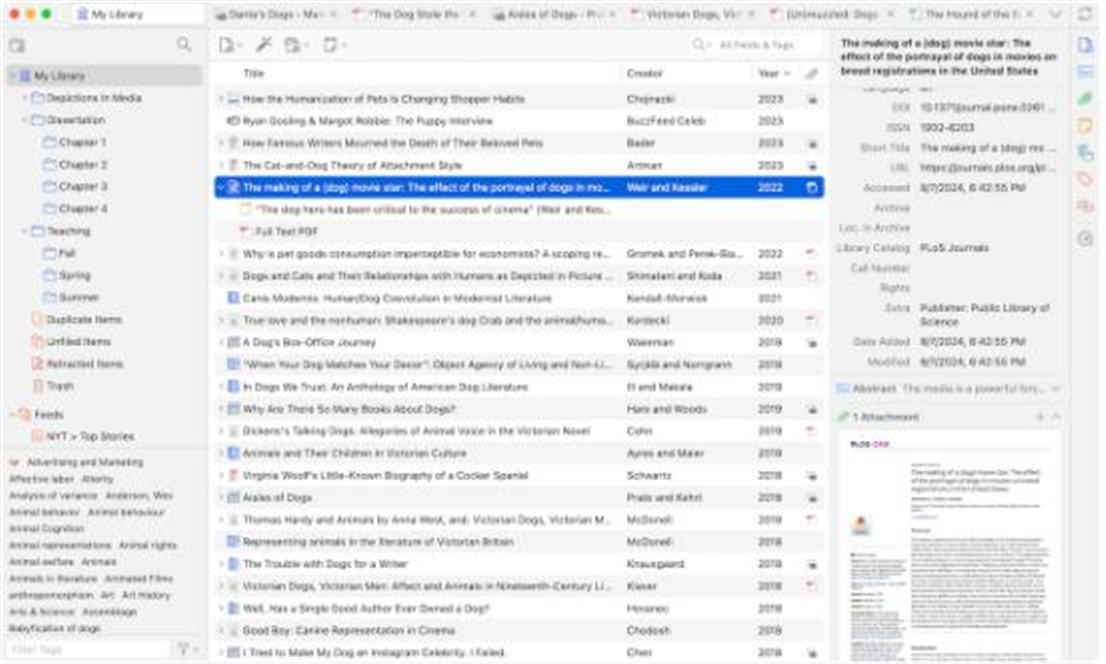
Description
Writing a report or doing research means citing a pile of sources, and tracking them by hand — then reformatting the bibliography when the style changes — is wasted effort. Zotero automates it: one click in the browser saves a reference along with its PDF, and citations inserted while writing generate the bibliography in whatever style you choose.
Open-source and free, on Windows, macOS and Linux, with plugins for Word, LibreOffice and Google Docs.
One-click capture: the browser connector grabs title, authors, journal and year — plus the full-text PDF — from a journal, book or news page into your local library.
Automatic bibliographies: insert citations in Word or LibreOffice and the reference list builds itself; switching citation style re-renders the whole document.
Thousands of citation styles: APA, MLA, Chicago, GB/T 7714 and thousands more ship built in, so a journal's required format is a dropdown away.
PDF reading and annotation: a built-in reader lets you read, highlight and take notes inside the library, with annotations attached to the reference.
Organization and collaboration: collections, tags and search manage thousands of references, and group libraries share a set with colleagues.
Open-source and free, on Windows, macOS and Linux, with plugins for Word, LibreOffice and Google Docs.
Features
One-click capture: the browser connector grabs title, authors, journal and year — plus the full-text PDF — from a journal, book or news page into your local library.
Automatic bibliographies: insert citations in Word or LibreOffice and the reference list builds itself; switching citation style re-renders the whole document.
Thousands of citation styles: APA, MLA, Chicago, GB/T 7714 and thousands more ship built in, so a journal's required format is a dropdown away.
PDF reading and annotation: a built-in reader lets you read, highlight and take notes inside the library, with annotations attached to the reference.
Organization and collaboration: collections, tags and search manage thousands of references, and group libraries share a set with colleagues.