Description
A screenshot usually needs annotating, redacting and sending to a colleague — the built-in tool stops after the first step and leaves the rest manual. ShareX connects the whole chain: capture, annotate, redact, record, upload and copy the link, all running automatically once configured.
Open-source and free, on Windows, with plenty of features that can each be switched off.
Many capture modes: full screen, window, region, scrolling capture and delayed capture, each bindable to its own hotkey.
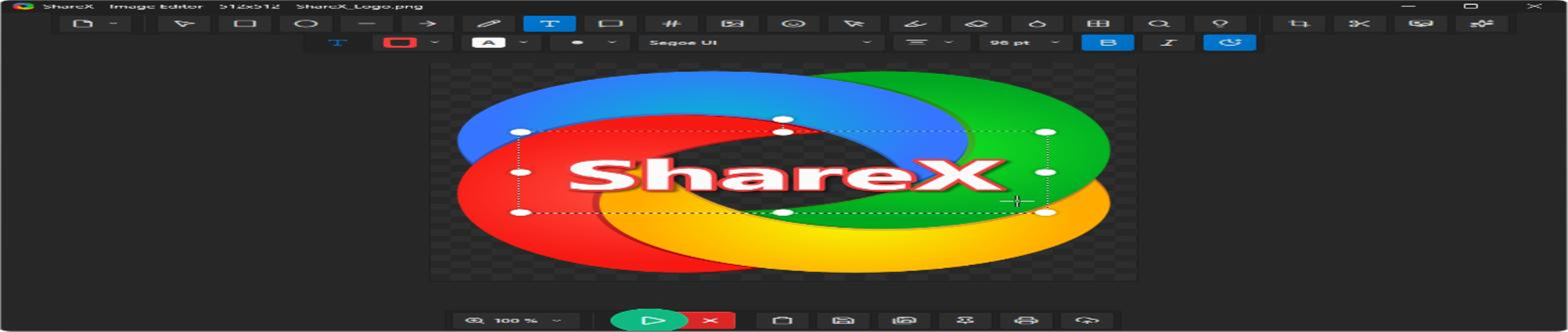
Built-in image editor: captures open straight into an editor with arrows, boxes, text, numbered callouts and pixelation, so images are finished before they are sent.
Screen and GIF recording: record video or animated GIFs, which explain a procedure or a bug far better than text.
Automated workflows: define a chain that runs after each capture — save, edit, upload to an image host, copy the link to the clipboard — with nothing clicked by hand.
OCR and extras: screen OCR, a colour picker, a ruler and a QR-code generator round it out.
Open-source and free, on Windows, with plenty of features that can each be switched off.
Features
Many capture modes: full screen, window, region, scrolling capture and delayed capture, each bindable to its own hotkey.
Built-in image editor: captures open straight into an editor with arrows, boxes, text, numbered callouts and pixelation, so images are finished before they are sent.
Screen and GIF recording: record video or animated GIFs, which explain a procedure or a bug far better than text.
Automated workflows: define a chain that runs after each capture — save, edit, upload to an image host, copy the link to the clipboard — with nothing clicked by hand.
OCR and extras: screen OCR, a colour picker, a ruler and a QR-code generator round it out.