Description
Hundreds of ebooks accumulate in a jumble of epub, mobi, azw3 and pdf, with titles and authors all over the place, so finding one is guesswork. Calibre turns the pile into a proper library — it fills in titles, covers and authors automatically, converts freely between formats, and sends books straight to a Kindle or other reader.
Open-source and free, on Windows, macOS and Linux, and after well over a decade it is the de facto standard for ebook management.
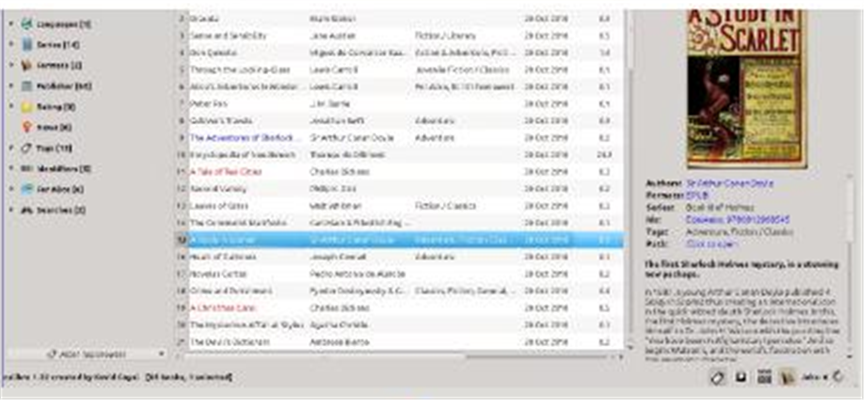
Library management: imports become a cover-art shelf filtered and searched by author, tag, series and rating, so thousands of books stay navigable.
Automatic metadata: it fetches titles, authors, blurbs, covers and publication details online, turning messy filenames into a tidy catalogue.
Format conversion: batch-convert between epub, mobi, azw3, pdf and txt, resetting fonts, table of contents and layout along the way.
Send to devices: transfer over USB to Kindle, Kobo and other readers, or email books to a Kindle account.
Built-in reader and editor: read inside Calibre, and use the ebook editor to fix layout and rebuild the table of contents — handy for self-publishing and repairs.
Open-source and free, on Windows, macOS and Linux, and after well over a decade it is the de facto standard for ebook management.
Features
Library management: imports become a cover-art shelf filtered and searched by author, tag, series and rating, so thousands of books stay navigable.
Automatic metadata: it fetches titles, authors, blurbs, covers and publication details online, turning messy filenames into a tidy catalogue.
Format conversion: batch-convert between epub, mobi, azw3, pdf and txt, resetting fonts, table of contents and layout along the way.
Send to devices: transfer over USB to Kindle, Kobo and other readers, or email books to a Kindle account.
Built-in reader and editor: read inside Calibre, and use the ebook editor to fix layout and rebuild the table of contents — handy for self-publishing and repairs.