
Description
Anyone who has lost a drive knows the feeling: photos, work files, years of material, gone in a second. Yet Windows’ own backup either ties you to OneDrive or is baffling to set up, so most people keep putting it off.
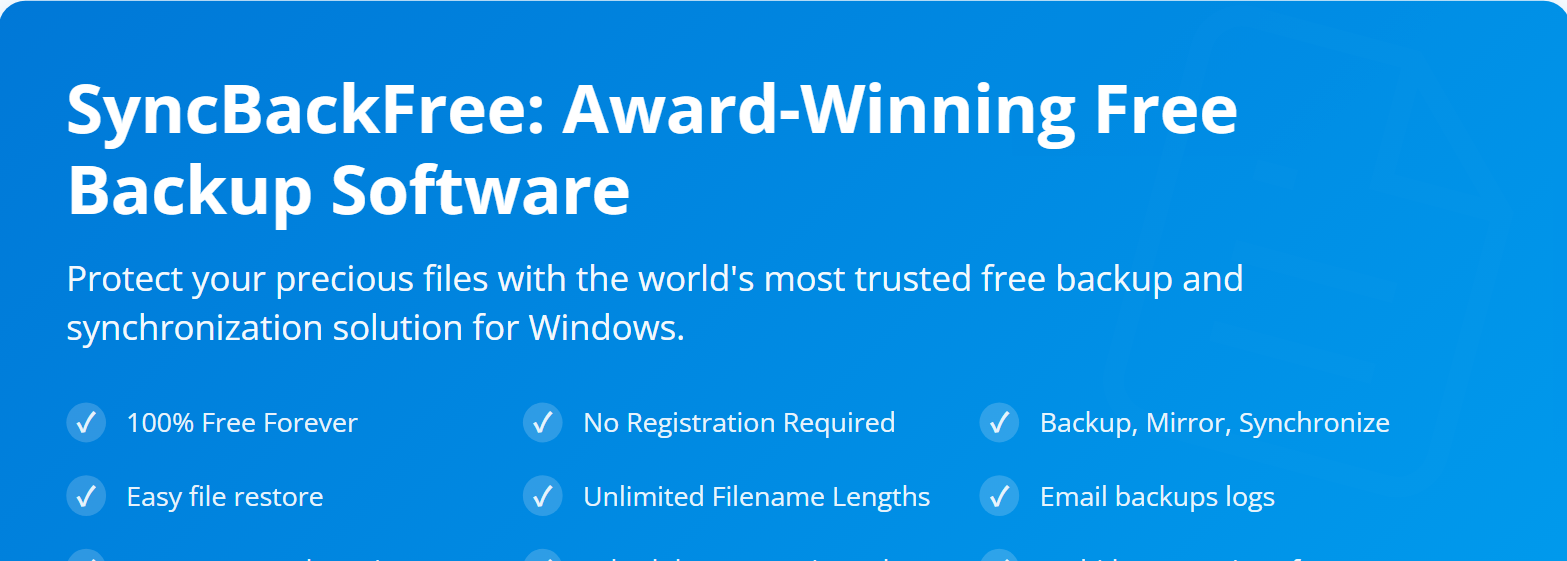
SyncBackFree is the free edition of 2BrightSparks’ SyncBack line — free forever, no registration. Create a profile, pick a source and a destination (internal or external drive, USB stick, network share, FTP), choose backup, mirror or two-way sync, set a schedule, and it runs on time.
Restoring uses the same interface: hit Restore and files go back to their original paths. Logs can be emailed so a failure is the first thing you see in the morning. It has been around for over twenty years and is one of the most trusted free backup tools on Windows.
Backup, mirror and sync: one-way backup, a mirror that makes the destination identical to the source, or two-way synchronisation.
Many destinations: internal and external drives, network shares (UNC paths), FTP servers.
Scheduling: hooks into Windows Task Scheduler for daily, weekly or on-USB-insert runs.
Versioning and filters: include or exclude files by extension or path, keep older versions.
Unlimited filename lengths: not bound by the 260-character path limit, so deep folders back up too.
Email logs: the result log goes to your inbox after each run.
SyncBackFree is the free edition of 2BrightSparks’ SyncBack line — free forever, no registration. Create a profile, pick a source and a destination (internal or external drive, USB stick, network share, FTP), choose backup, mirror or two-way sync, set a schedule, and it runs on time.
Restoring uses the same interface: hit Restore and files go back to their original paths. Logs can be emailed so a failure is the first thing you see in the morning. It has been around for over twenty years and is one of the most trusted free backup tools on Windows.
Features
Backup, mirror and sync: one-way backup, a mirror that makes the destination identical to the source, or two-way synchronisation.
Many destinations: internal and external drives, network shares (UNC paths), FTP servers.
Scheduling: hooks into Windows Task Scheduler for daily, weekly or on-USB-insert runs.
Versioning and filters: include or exclude files by extension or path, keep older versions.
Unlimited filename lengths: not bound by the 260-character path limit, so deep folders back up too.
Email logs: the result log goes to your inbox after each run.
Screenshots
Tags:backup