Description
Argente StartUp Manager deals with what launches at boot. A large part of why a machine slows down over the years is that every program you installed left a copy of itself in startup — update checkers, tray residents, background services. This tool gathers those entry points in one list and lets you decide what stays.
It looks beyond the tab Task Manager shows: the several registry Run keys, the startup folder, system services and scheduled tasks are all enumerated, so the better-hidden ones surface too. Each entry can be disabled or deleted, and disabling is reversible if you turn off something you needed. It comes from the free Argente Utilities suite.
Complete startup listing: Registry Run keys, the startup folder, services and scheduled tasks are all scanned, which covers considerably more than the built-in startup list.
Disable rather than delete: Turn an entry off and watch for a while before removing it, and switch it back on if something breaks.
Shows the source: Each entry displays the program path and which software it belongs to, giving you something to judge by before switching it off.
Restore point: A system restore point can be created before changes, so a bad decision can be undone wholesale.
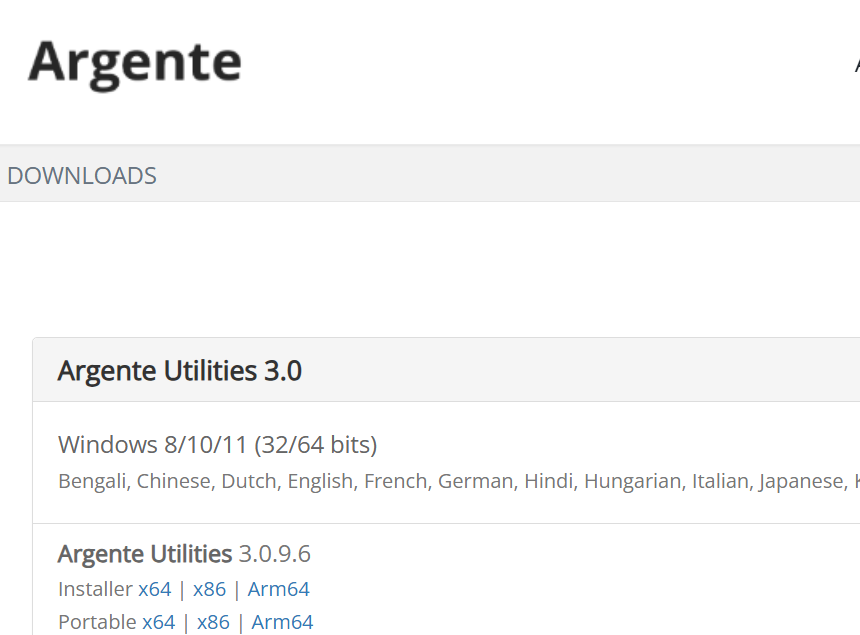
Multiple architectures: Installers are provided for x64, x86 and ARM64.
It looks beyond the tab Task Manager shows: the several registry Run keys, the startup folder, system services and scheduled tasks are all enumerated, so the better-hidden ones surface too. Each entry can be disabled or deleted, and disabling is reversible if you turn off something you needed. It comes from the free Argente Utilities suite.
Features
Complete startup listing: Registry Run keys, the startup folder, services and scheduled tasks are all scanned, which covers considerably more than the built-in startup list.
Disable rather than delete: Turn an entry off and watch for a while before removing it, and switch it back on if something breaks.
Shows the source: Each entry displays the program path and which software it belongs to, giving you something to judge by before switching it off.
Restore point: A system restore point can be created before changes, so a bad decision can be undone wholesale.
Multiple architectures: Installers are provided for x64, x86 and ARM64.