Description
A desktop tower has no microphone at all, and the one built into a laptop picks up a muffled voice with every keystroke audible behind it. Buying a USB microphone for two calls a week feels like a waste. Meanwhile the phone in your pocket has a far better microphone array than the computer does — it just has no way to be used as one.
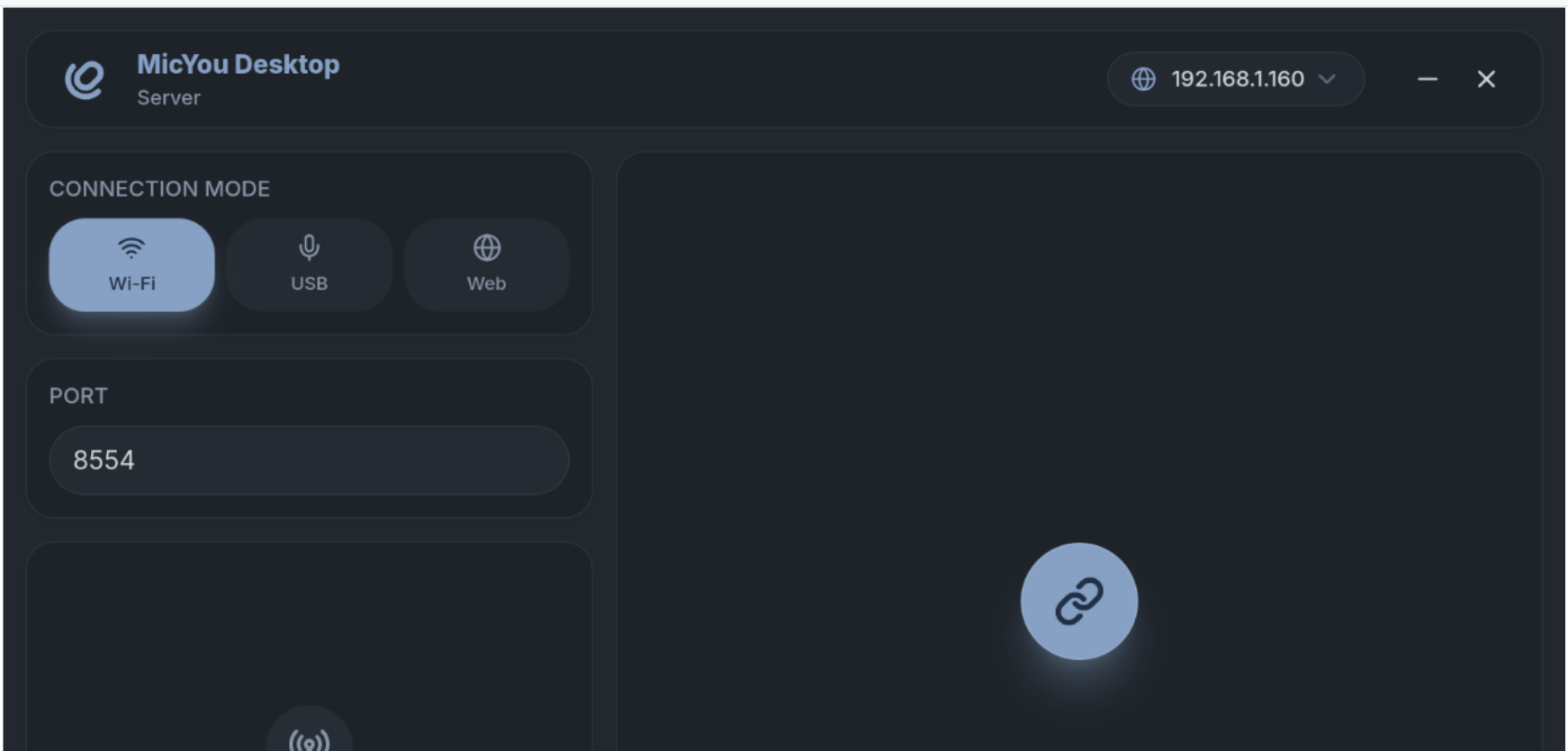
That is what MicYou does: it turns an Android phone into the computer’s microphone. Install the app on the phone, run the server on the computer, connect over Wi-Fi or a USB cable, and what the phone hears arrives on the computer in real time. Paired with a virtual sound card such as VB Cable it registers as an ordinary microphone input, so Zoom, Discord and OBS simply list it as a device to select — none of them need to know anything about it.
The audio is cleaned up on the way through: noise suppression, automatic gain control and dereverberation all sit in the path, so the result sounds like a proper microphone rather than someone on speakerphone.
Two connection modes: Wi-Fi for convenience, USB (over ADB/AOA) for stability and lower latency — the latter especially useful away from a shared network.
Acts as a system microphone: Routed through a virtual sound card like VB Cable it becomes a normal audio input, selectable in anything that lets you pick a microphone.
Audio processing: Noise suppression, automatic gain control and dereverberation are built in, which rescues a lot when your level wanders or the room echoes.
Adjustable parameters: Sample rate, channel count and audio format are all configurable, so recording-quality work can dial them up.
Cross-platform desktop: The server runs on Windows, Linux and macOS, with an Android app as the client.
Material 3 interface: The phone app follows Material 3 with light and dark themes, and carries no advertising.
That is what MicYou does: it turns an Android phone into the computer’s microphone. Install the app on the phone, run the server on the computer, connect over Wi-Fi or a USB cable, and what the phone hears arrives on the computer in real time. Paired with a virtual sound card such as VB Cable it registers as an ordinary microphone input, so Zoom, Discord and OBS simply list it as a device to select — none of them need to know anything about it.
The audio is cleaned up on the way through: noise suppression, automatic gain control and dereverberation all sit in the path, so the result sounds like a proper microphone rather than someone on speakerphone.
Features
Two connection modes: Wi-Fi for convenience, USB (over ADB/AOA) for stability and lower latency — the latter especially useful away from a shared network.
Acts as a system microphone: Routed through a virtual sound card like VB Cable it becomes a normal audio input, selectable in anything that lets you pick a microphone.
Audio processing: Noise suppression, automatic gain control and dereverberation are built in, which rescues a lot when your level wanders or the room echoes.
Adjustable parameters: Sample rate, channel count and audio format are all configurable, so recording-quality work can dial them up.
Cross-platform desktop: The server runs on Windows, Linux and macOS, with an Android app as the client.
Material 3 interface: The phone app follows Material 3 with light and dark themes, and carries no advertising.