Description
< #AI Snipping #OCR #Formula to LaTeX #Table to Markdown #Screenshot Translation #Open Source
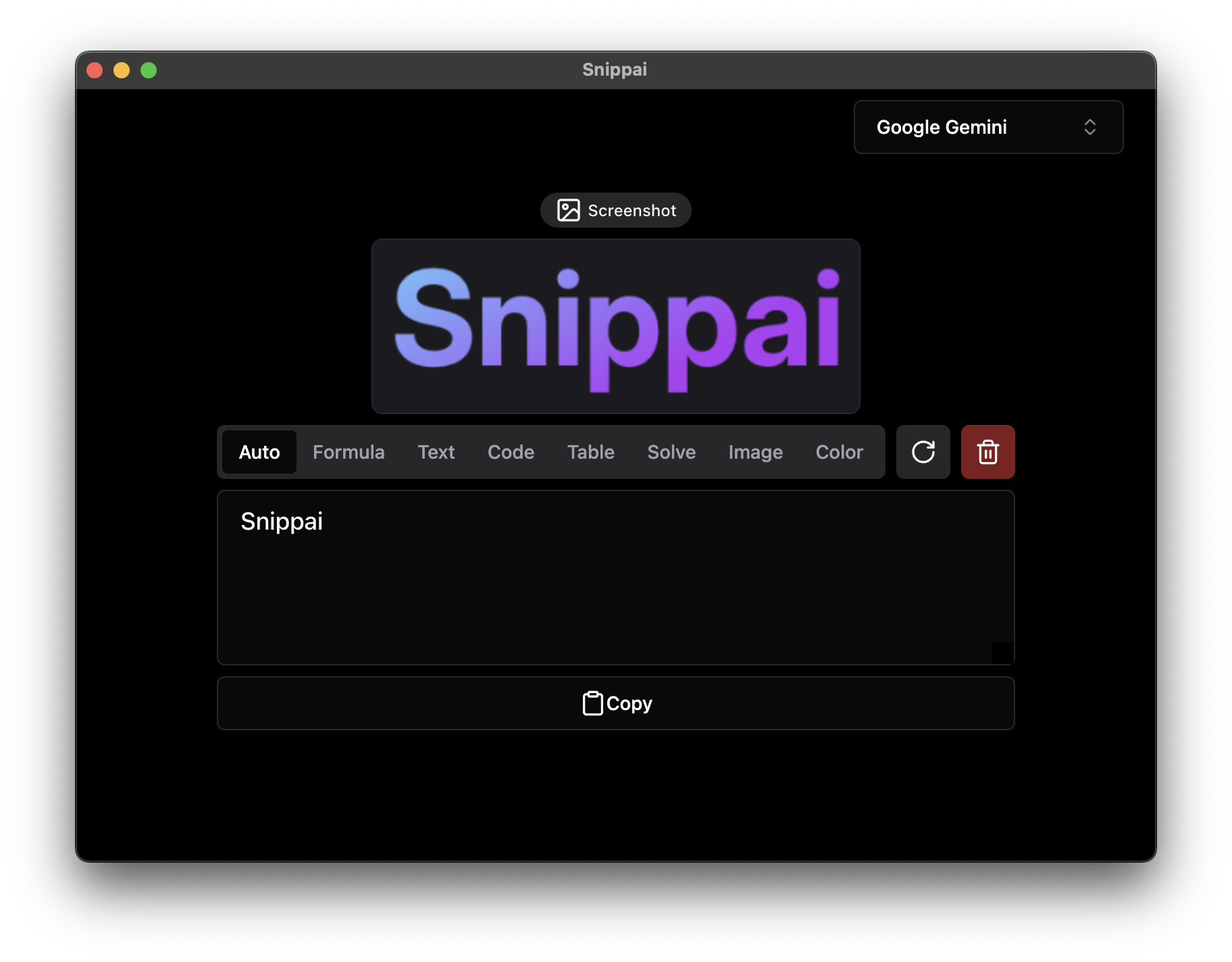
Snippai is a snipping tool with AI behind it. An ordinary snipping tool hands you an image and an OCR tool hands you a block of text, while this one understands what it just captured: a formula becomes LaTeX, a table becomes Markdown, a code snippet gets explained, and foreign text comes back translated.
It suits anyone who constantly moves things off the screen and into a document — copying formulas for a paper, lifting a web table into notes, reading someone else's code, or making sense of an interface in another language. There is one step to using it: select the region you want and let it work out the rest.
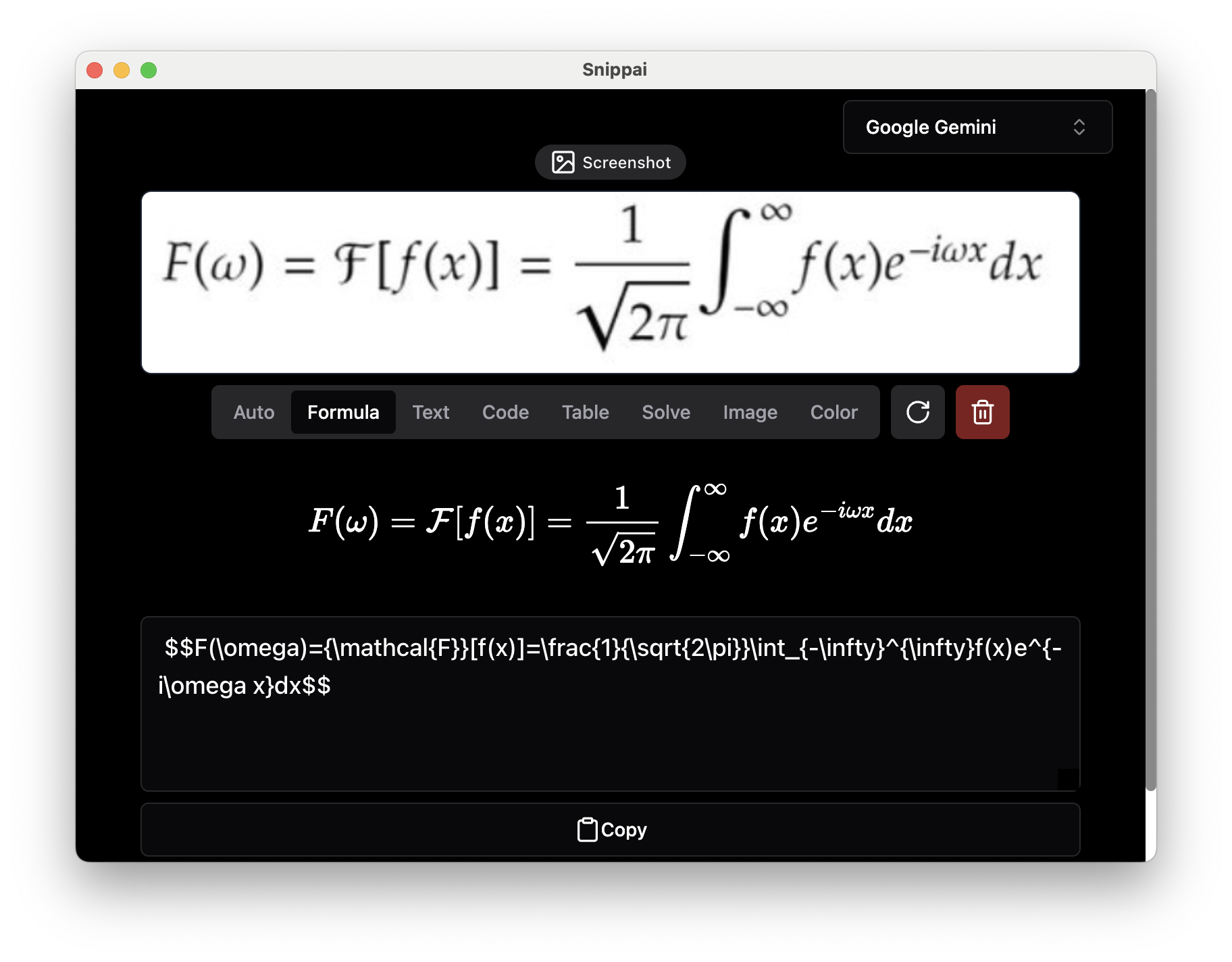
Formula to LaTeX: capture a mathematical expression from an image and get LaTeX code back, instead of retyping it symbol by symbol.
Text extraction: recognize and extract text from an image accurately, including denser layouts, ready to drop into whatever you are writing.
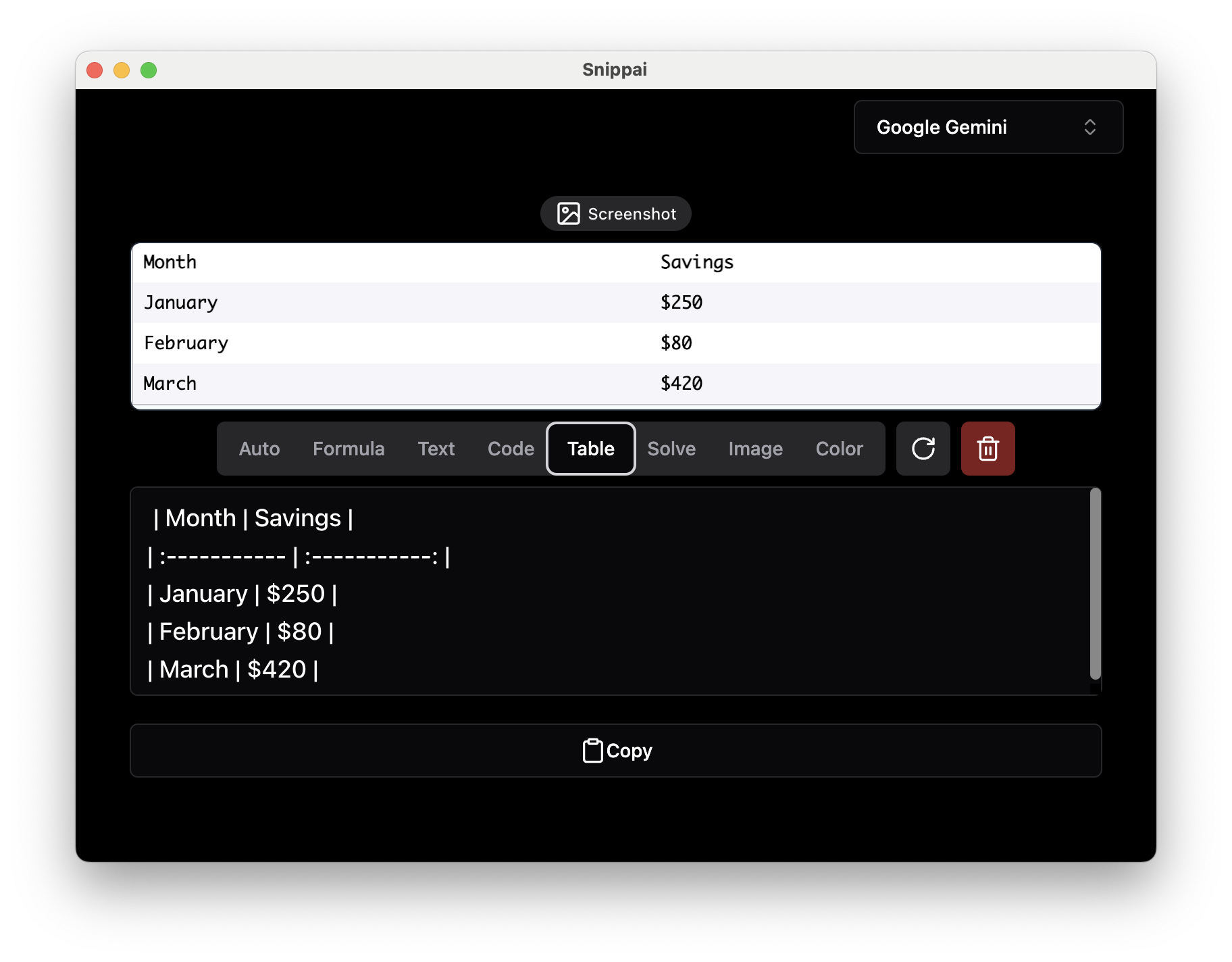
Table to Markdown: tables inside an image are detected and returned as a Markdown table, so nothing has to be rebuilt by hand from a screenshot.
Image analysis: analyze and describe the content of a capture, explaining what is in the picture and what it conveys.
Problem solving: snip a question and it returns the reasoning along with an answer, useful as a reference while working through problems.
Code understanding: code found in a capture is recognized and explained, which saves guessing line by line through unfamiliar code.
Color detection: the dominant colors in an image are identified and extracted, handy for design references and for studying someone else's palette.
Screenshot translation: the language is detected automatically and translated in real time, covering documents, signage and software interfaces alike.
Open source project: the source is hosted on GitHub under the AGPL-3.0 license, installers for each platform are on the Releases page, and developers can review the implementation, contribute, or customize it for their own needs.
Snippai is a snipping tool with AI behind it. An ordinary snipping tool hands you an image and an OCR tool hands you a block of text, while this one understands what it just captured: a formula becomes LaTeX, a table becomes Markdown, a code snippet gets explained, and foreign text comes back translated.
It suits anyone who constantly moves things off the screen and into a document — copying formulas for a paper, lifting a web table into notes, reading someone else's code, or making sense of an interface in another language. There is one step to using it: select the region you want and let it work out the rest.
Features
Formula to LaTeX: capture a mathematical expression from an image and get LaTeX code back, instead of retyping it symbol by symbol.
Text extraction: recognize and extract text from an image accurately, including denser layouts, ready to drop into whatever you are writing.
Table to Markdown: tables inside an image are detected and returned as a Markdown table, so nothing has to be rebuilt by hand from a screenshot.
Image analysis: analyze and describe the content of a capture, explaining what is in the picture and what it conveys.
Problem solving: snip a question and it returns the reasoning along with an answer, useful as a reference while working through problems.
Code understanding: code found in a capture is recognized and explained, which saves guessing line by line through unfamiliar code.
Color detection: the dominant colors in an image are identified and extracted, handy for design references and for studying someone else's palette.
Screenshot translation: the language is detected automatically and translated in real time, covering documents, signage and software interfaces alike.
Open source project: the source is hosted on GitHub under the AGPL-3.0 license, installers for each platform are on the Releases page, and developers can review the implementation, contribute, or customize it for their own needs.