Description
< #Android Mirroring #Device Control #scrcpy #Wireless Debugging #Automation #Cross Platform #Electron #Open Source
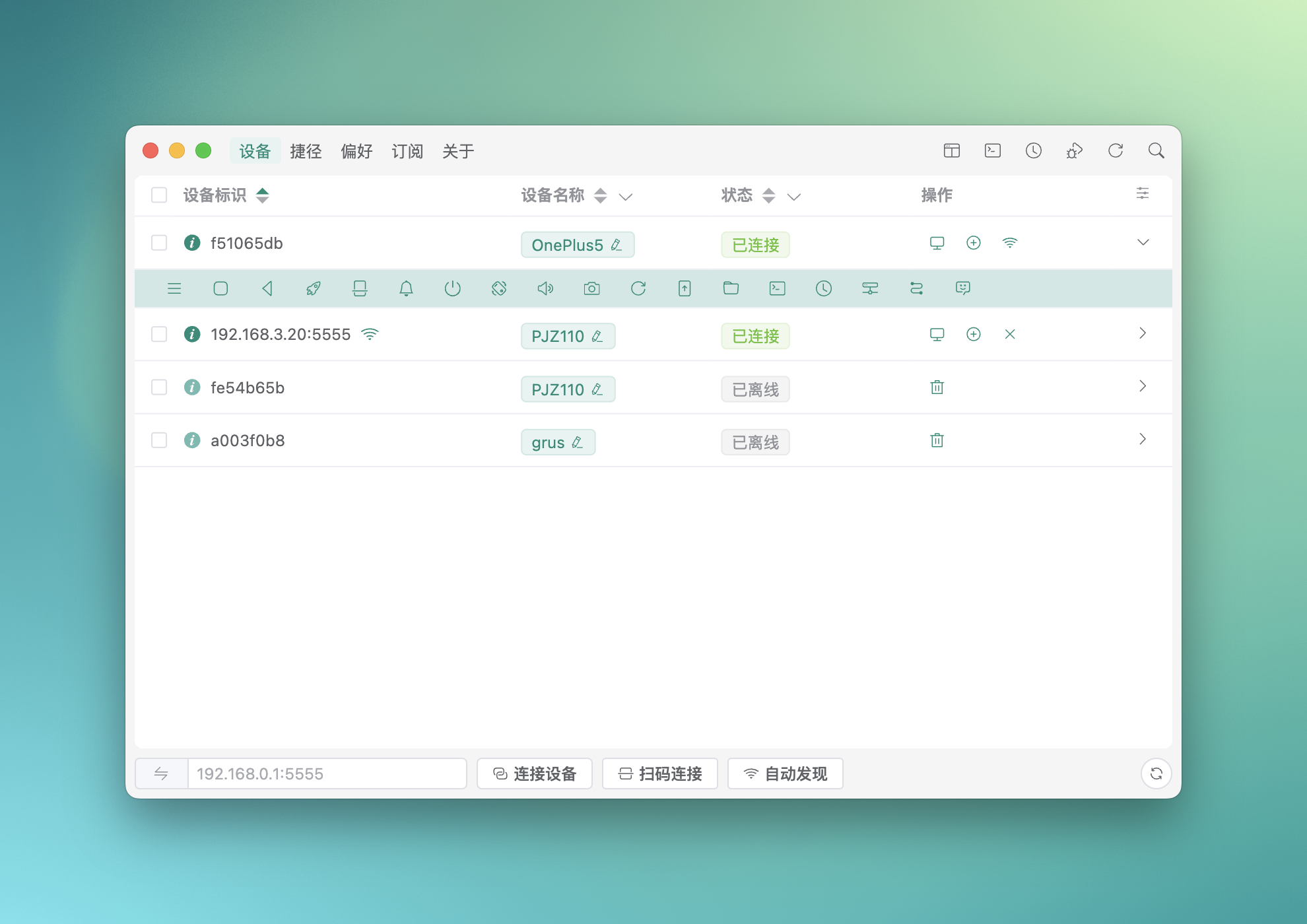
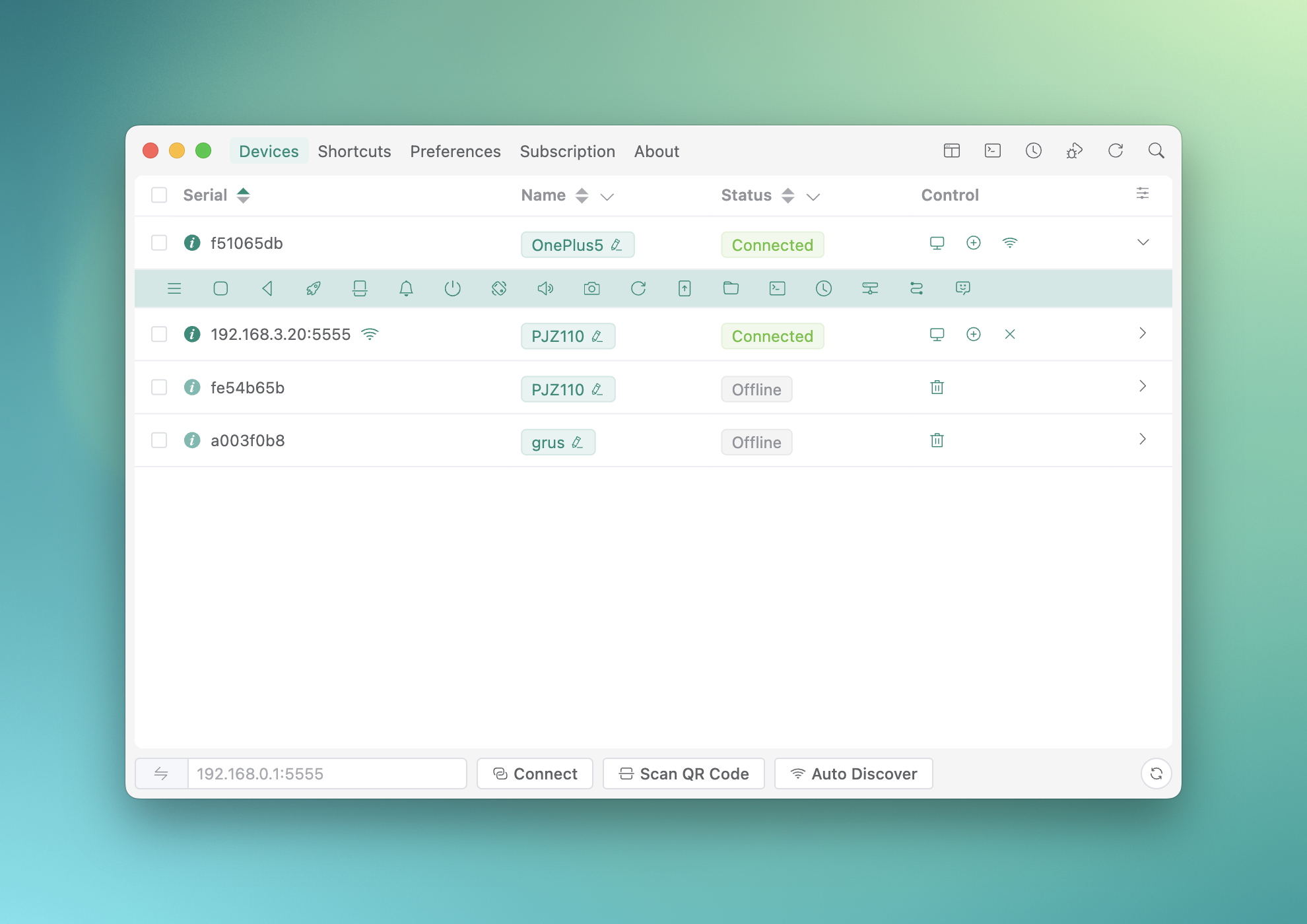
Escrcpy is a desktop graphical front end for scrcpy that turns a wall of command-line flags into a window you can actually read and click. Your phone screen is mirrored onto the computer and driven with keyboard and mouse, so you are no longer hunched over a small display. Anyone who spends hours inside a phone — scouting content, testing across handsets, running repetitive taps — will find the move to a monitor much easier on the eyes.
It builds on Genymobile's scrcpy core, keeping the low latency and high frame rate while filling in what the original leaves out: device management, wireless pairing, multi-device control and every setting exposed graphically. Installers exist for Windows, macOS and Linux, and the phone needs neither root nor a companion app — USB debugging is enough. The project is written in Electron and Vue under Apache-2.0 and has passed eleven thousand stars on GitHub. Worth noting: some advanced capabilities live in the author's private EscrcpyX extension repository and are offered on a paid basis.
Inset mirror window:A dedicated embedded mirroring window that fits itself to the device resolution and orientation, with one-tap shortcuts built into the frame.
Keyboard mapping:Configure touch, joystick, swipe, scroll and automation mappings straight on the mirrored view, which beats finger taps for games and repetitive work alike.
Multi-device control:Drive several devices from a single window, broadcast one input to all of them, and run batch screenshots or batch APK installs.
Integrated control bar:A compact draggable sidebar you can reorder yourself, holding rotation, screenshots, app management, file transfer, a terminal, the AI assistant and automation.
Copilot assistant:An MCP-based AI assistant with multi-model chat that drives the Android device from plain language instructions.
Automation scripts:Visual step-by-step workflow orchestration paired with on-screen image recognition, so one routine can run across many devices at once.
Wireless connection:Wireless ADB with automatic discovery on the local network, plus bundled Gnirehtet reverse tethering so the phone can borrow the computer's connection.
Open source:The source code is hosted on GitHub, so developers can study the implementation, contribute, or adapt it to their own needs.
Escrcpy is a desktop graphical front end for scrcpy that turns a wall of command-line flags into a window you can actually read and click. Your phone screen is mirrored onto the computer and driven with keyboard and mouse, so you are no longer hunched over a small display. Anyone who spends hours inside a phone — scouting content, testing across handsets, running repetitive taps — will find the move to a monitor much easier on the eyes.
It builds on Genymobile's scrcpy core, keeping the low latency and high frame rate while filling in what the original leaves out: device management, wireless pairing, multi-device control and every setting exposed graphically. Installers exist for Windows, macOS and Linux, and the phone needs neither root nor a companion app — USB debugging is enough. The project is written in Electron and Vue under Apache-2.0 and has passed eleven thousand stars on GitHub. Worth noting: some advanced capabilities live in the author's private EscrcpyX extension repository and are offered on a paid basis.
Features
Inset mirror window:A dedicated embedded mirroring window that fits itself to the device resolution and orientation, with one-tap shortcuts built into the frame.
Keyboard mapping:Configure touch, joystick, swipe, scroll and automation mappings straight on the mirrored view, which beats finger taps for games and repetitive work alike.
Multi-device control:Drive several devices from a single window, broadcast one input to all of them, and run batch screenshots or batch APK installs.
Integrated control bar:A compact draggable sidebar you can reorder yourself, holding rotation, screenshots, app management, file transfer, a terminal, the AI assistant and automation.
Copilot assistant:An MCP-based AI assistant with multi-model chat that drives the Android device from plain language instructions.
Automation scripts:Visual step-by-step workflow orchestration paired with on-screen image recognition, so one routine can run across many devices at once.
Wireless connection:Wireless ADB with automatic discovery on the local network, plus bundled Gnirehtet reverse tethering so the phone can borrow the computer's connection.
Open source:The source code is hosted on GitHub, so developers can study the implementation, contribute, or adapt it to their own needs.